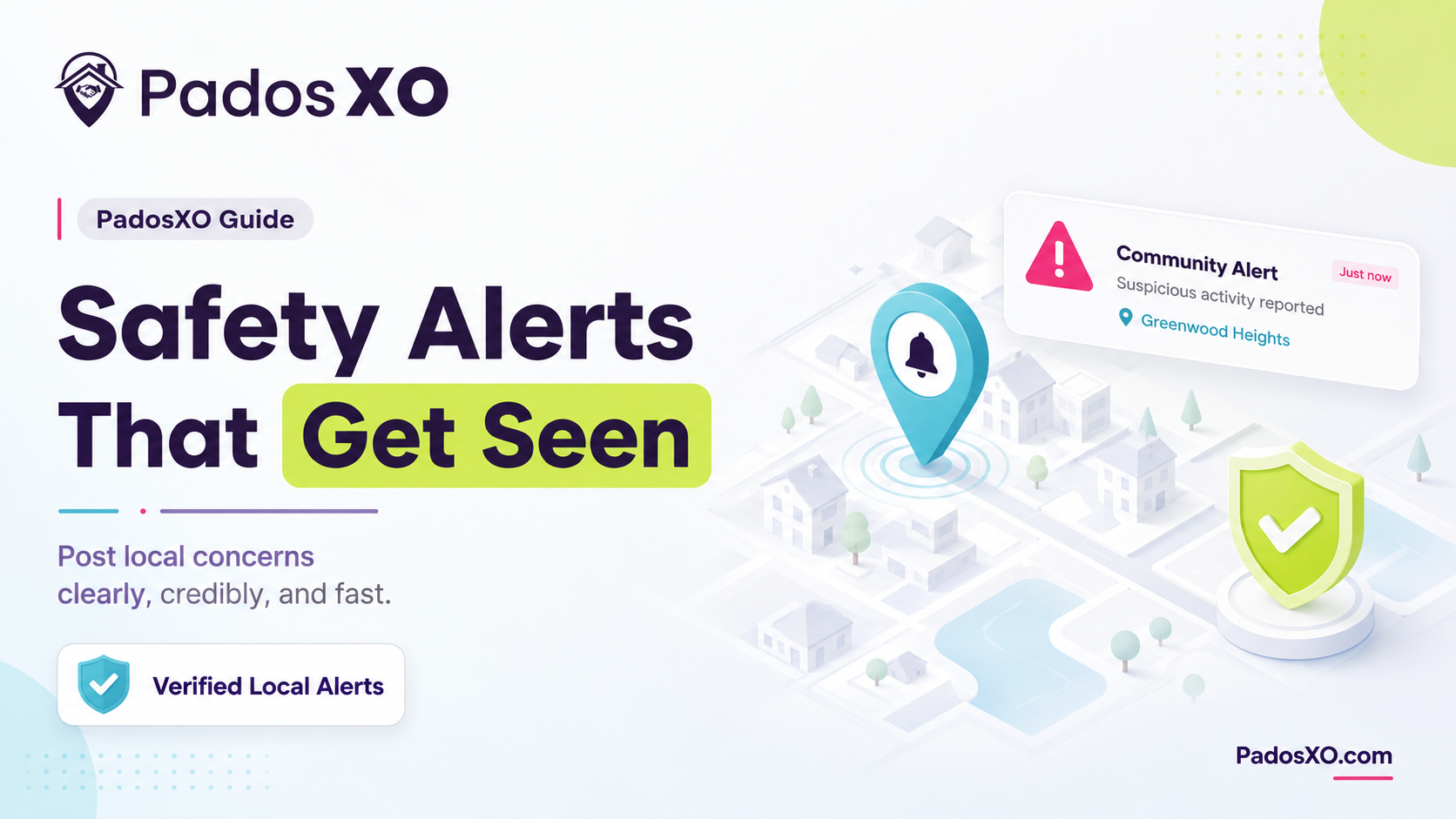
There's a specific kind of unease that happens when you notice something off, a car circling the block twice, a stranger checking door handles, a package that went missing from a doorstep, and you don't have anywhere immediate and reliable to put that information. WhatsApp groups bury it under festival wishes. Facebook groups are dead. This is exactly the gap a structured safety alert system is meant to close.
What actually qualifies as an alert-worthy post
Not every concern needs to be an Alert. Getting this right matters, because over-posting dilutes the category for everyone:
Genuine safety concerns: suspicious individuals, break-ins, theft, unsafe conditions (an open manhole, a downed wire)
Time-sensitive community risks: a scam targeting residents, a fire, a medical emergency needing immediate local help
Not appropriate for Alert: general complaints, non-urgent maintenance issues, or promotional content, these belong in Post, Requirement, or Ask Community instead
How to post a safety alert that gets taken seriously
Be specific about location and time. "Suspicious activity near Sector 56 market gate around 9pm" gets acted on faster than "be careful everyone"
Stick to observed facts, not assumptions. Describe what you actually saw rather than speculating about intent, both for accuracy and to avoid unnecessary panic
Post from a Verified Local account. On PadosXO, Alerts are restricted to Verified Local residents only, personal accounts that have earned GPS-based verification, which is precisely what gives an alert credibility the moment someone reads it
Include a photo or clear description if safe to do so. Visual context helps neighbours recognise a person, vehicle, or situation without requiring extra clarifying replies
Avoid duplicate posting. If the same incident is already posted, comment or add detail rather than creating a second Alert that fragments the community's attention
Why Alert visibility is restricted to Verified Locals
This is a deliberate design choice, not a limitation. If anyone, including businesses or unverified accounts, could post an Alert, the category would lose the exact quality that makes it useful: immediate credibility. Restricting Alerts to Verified Local residents means every alert a neighbour sees comes from someone the platform has confirmed is genuinely, physically present in the area, tracked through GPS presence across 7 of the last 14 days.
What happens after you post an Alert
The post becomes visible immediately to Verified Locals within your feed radius
Alert posts get priority placement in the moderation queue, so if something's reported as inaccurate or inappropriate, it gets reviewed quickly rather than sitting in a general queue
Alerts are deliberately excluded from Popular and Trending rankings in Explore Nearby, since safety content shouldn't compete for attention based on an engagement score
How this compares to posting the same concern in a WhatsApp group
A WhatsApp group has no equivalent safeguards. Anyone in the group, verified resident or not, can post an "alert," and it carries the same visual weight as a birthday wish or a forwarded meme. There's no priority review, no restriction on who can post, and no way to know afterward whether the concern was resolved or was even accurate in the first place. A structured Alert category exists specifically to fix each of these gaps at once.
A quick pre-post checklist
Is this genuinely safety-related, or does it belong in another category?
Have I included specific location and time details?
Am I describing what I observed, not assuming intent?
Has this same incident already been posted by someone else nearby?
Frequently Asked Questions
How do I post a safety alert in my neighbourhood?
Use a platform's dedicated Alert category rather than a general post, include specific location and time details, describe observed facts rather than assumptions, and post from a verified account so the alert carries immediate credibility with neighbours who see it.
Who can see a safety alert I post?
On platforms like PadosXO, Alerts are visible to Verified Local residents within your feed radius, which is intentionally restrictive, both in who can post them and who they're prioritised for, to keep the category trustworthy and fast-moving.
What should I avoid posting as a safety alert?
Avoid vague warnings without specifics, unverified speculation about someone's intent, and non-urgent issues like general maintenance complaints, which dilute the credibility of the Alert category and are better suited to Post or Requirement.